Agents
Built for tasks you know
A team of AI agents — each with dedicated skills, connections to your system and access to your knowledgebases. They work autonomously, completing tasks day and night.
AI for you
Every portal we build has a comprehensive AI harness in it already, shaped to your business. Your own staff build agents and workflows on top of it — and where you want something more sophisticated, we build that into the product for you.
You own the AI model accounts, never marked up by us.

Discover exciting examples of features you can achieve with AI workflows, limited only by your ideas.
Where it fits 02A suite of AI features, so you can manage your staff's AI chats, or they can automate their own tasks with workflows.
Configure it yourself 03Describe your vision and we construct the features, with AI embedded — then hand you the portal to manage it.
Built into the product 04Your admins set the spend, subject rules and who can change any of it — and every session stays on the record.
The controls01 · What's possible
So much hype about AI — so what could an AI-powered portal actually do for you? We can help you discover business processes to hand off to AI, or how AI can make use of all your data in ways you never imagined.
Some examples of what is possible with AI
Got isolated systems with clashing data — like client directories? Have AI connect to all of them, cleanse the records, work out which source holds the better value for each field, auto-sync appropriate data to every system.
Draws on Apexcore’s permissions, system-only data sources and full record auditing — so only chosen people can configure a sync agent, staff cannot chat-query what it reaches, and every change it writes is recorded. We’d build a page listing the discrepancies, so you approve changes at first, then let it run unattended for the kinds you trust.
A client complaint arrives. AI works through every system you connected it to, determining a comprehensive root cause of why that client is suffering, allowing your Support team to act.
Draws on Apexcore’s agent-only data sources, guardrails, per-turn auditing and department-owned chat sessions. We’d wire an investigating agent across your systems, so it can reach far more than the person asking while guardrails shape what it reveals — and Finance never sees Legal’s investigations, or the reverse.
AI reads your accounting system and sends each late payer a reminder shaped by their history. Then it handles the replies: payments get checked, disputes go to a person, promises to pay get a follow-up.
Draws on Apexcore’s transactional emailing, versioned agent prompts and scheduled actions. We’d wire reminders styled to each customer’s history, and replies into a workflow that checks claimed payments, sends disputes to a person and follows up on promises to pay — plus a page tracking every debtor.
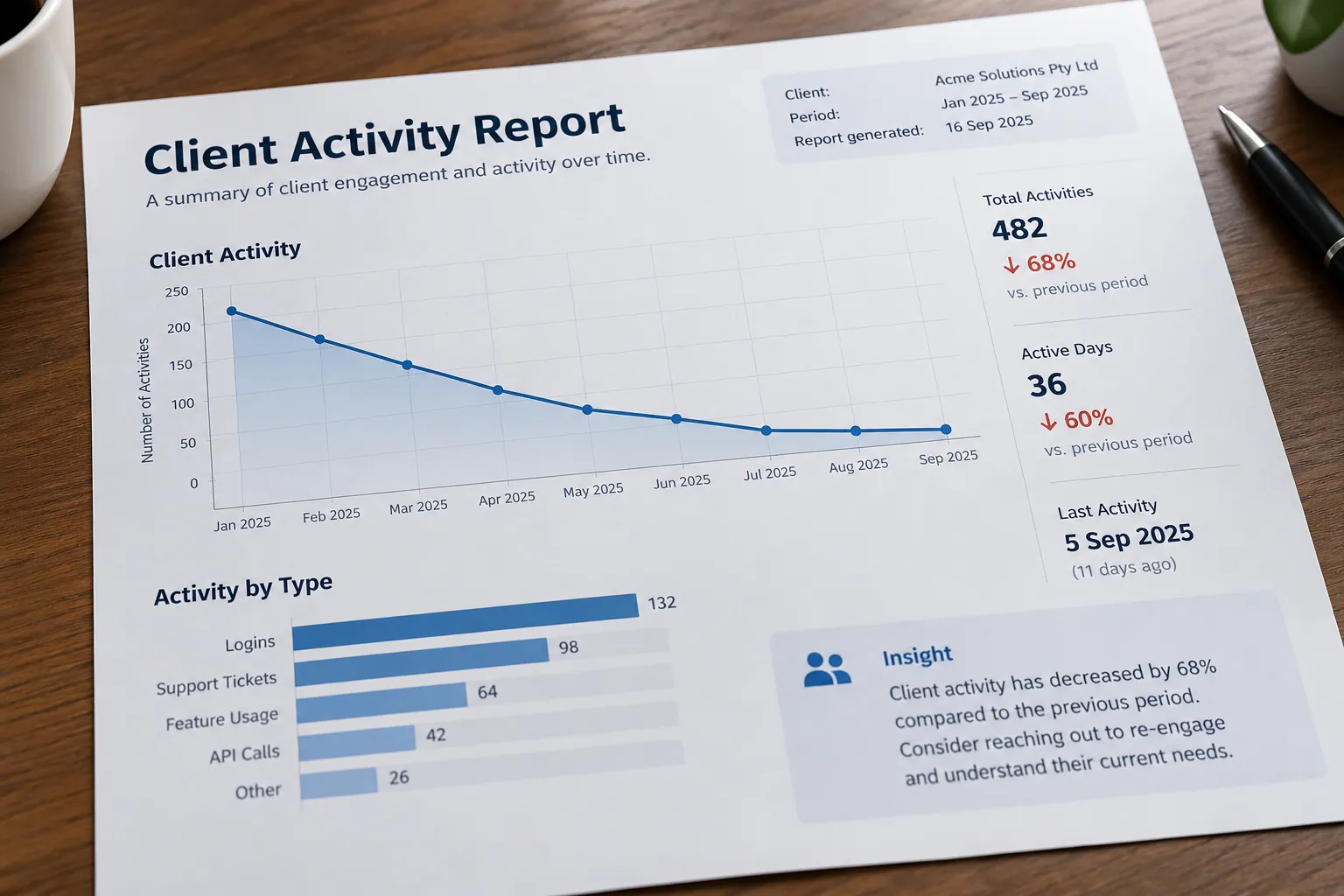
Each day AI reads support-tickets and trending client usage, generating a report for which clients look to be drifting away. Your business acts pre-emptively.
Draws on Apexcore’s reporting layer, dashboards and versioned agents. We’d set up an agent that proposes client categories from your data — say, quiet for 10 to 35 days, spending over $500 a job, no prior complaints — for a person to lock in, then sorts every client against them daily, with criteria you can refine without losing the history.
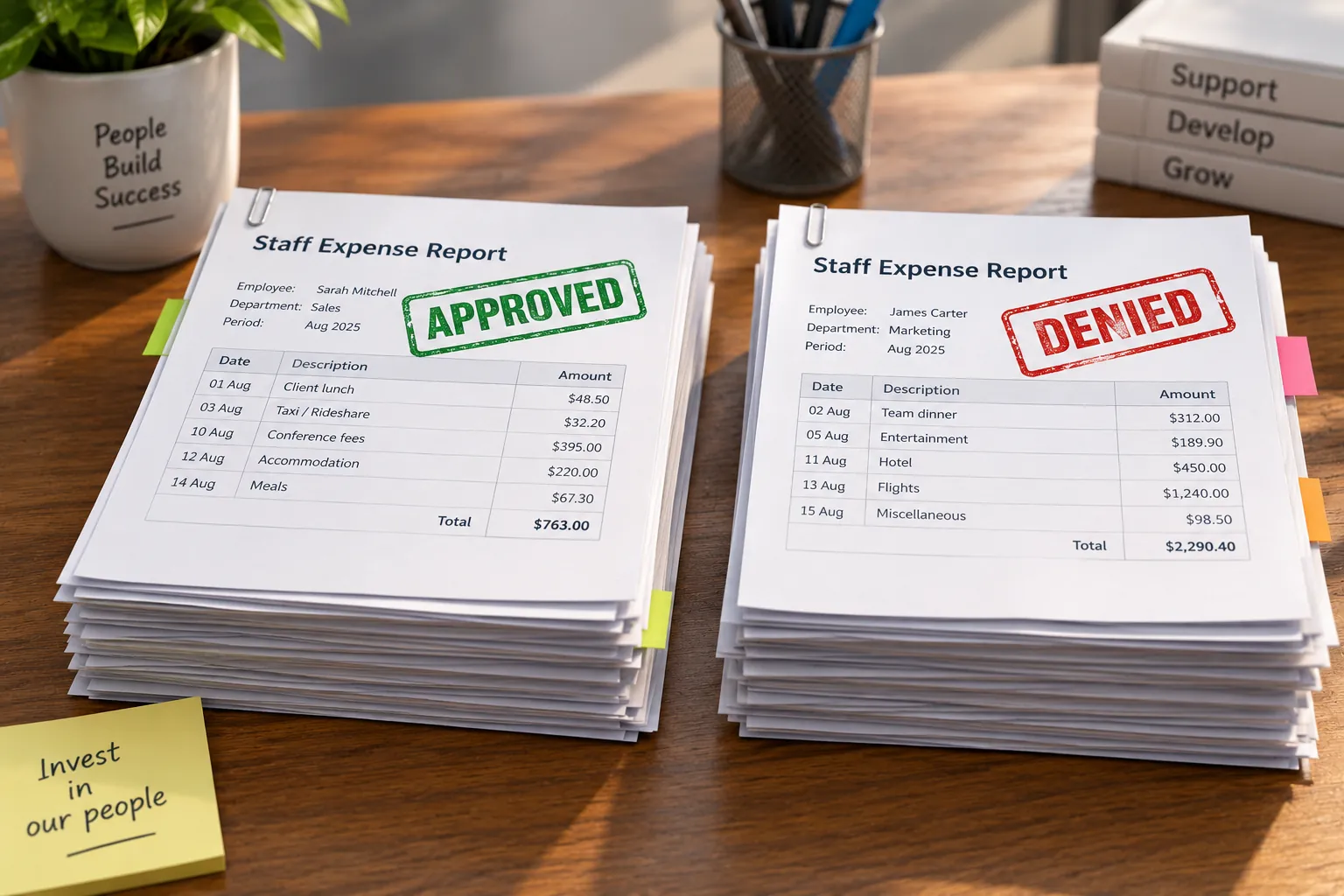
A purchase, leave or expense request arrives. AI checks it against your business policies, approves the straightforward ones and escalates the rest with its reasoning attached.
Draws on Apexcore’s knowledge bases, guardrails, character-recognition models running in a cloud account you own, and full auditing. We’d set up an agent that checks each request against your policies and approval limits, and records every decision with the configuration that made it — so when someone asks why a claim went through, you can show them.
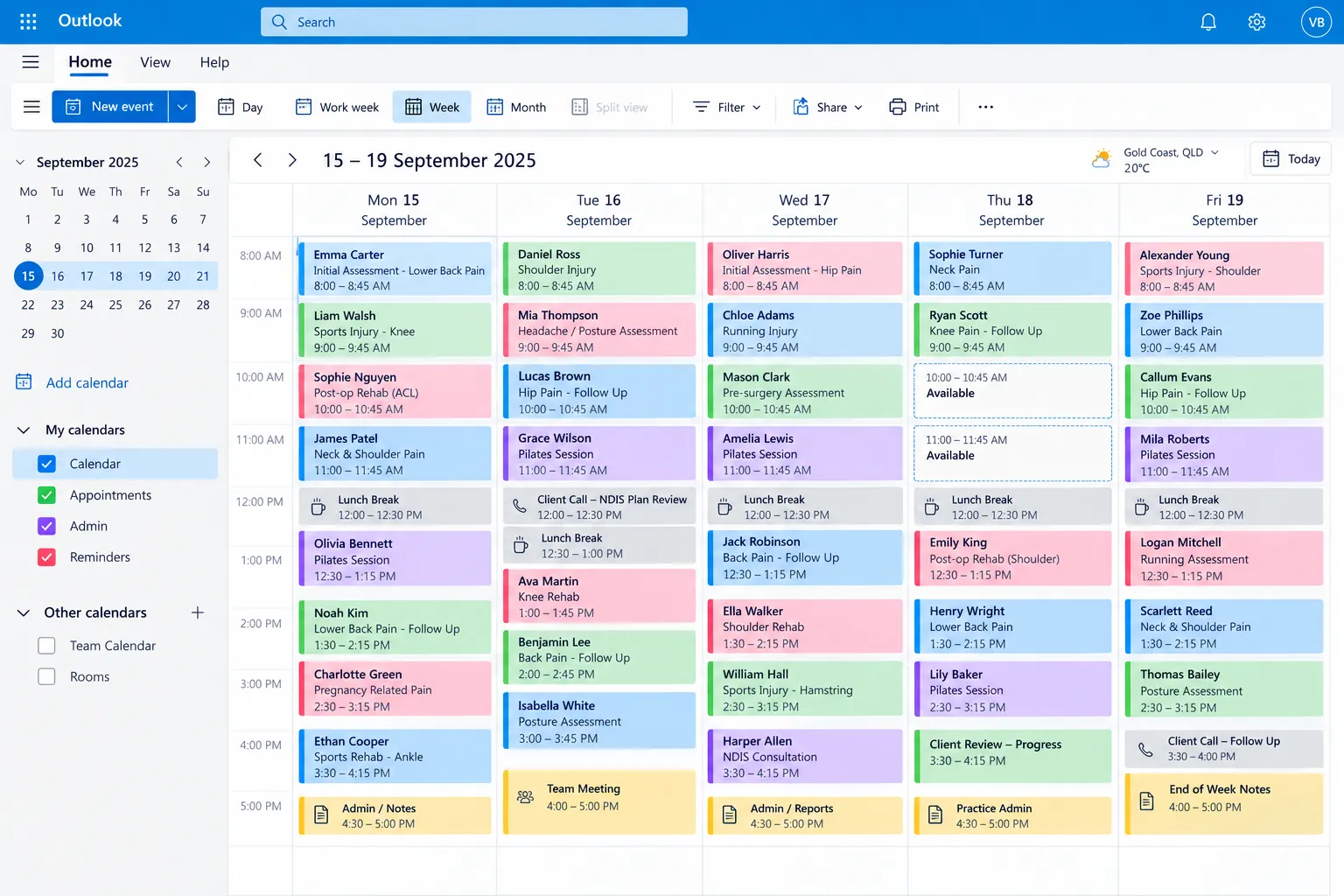
A gap in your appointments appears. AI picks who to offer it to — weighing who tends to cancel — then emails them in waves until someone claims it.
Draws on Apexcore’s workflow triggers, scheduled actions, templated transactional emailing and business settings. We’d wire the gap-filling workflow, with an agent using your booking history to leave out clients likely to cancel again, and put which staff are included and how far ahead to fill in settings you change yourself.
Staff and subcontractors upload insurance certificates, licences and tickets. AI checks each is the right type with enough cover, records the expiry, then chases the person as it approaches — escalating if nothing arrives.
Draws on Apexcore’s vision-capable models in a cloud account you own, sub-agents, token limits, scheduled actions and transactional emailing. We’d set up a sub-agent per document type that knows what each must show, and turn every expiry into reminders that escalate to a person if nothing arrives.





None of these? That's usually the more interesting conversation.
02 · You can build
Your business configures its AI the way you want it: chat templates for the questions that get asked over and over, the guardrails that define what's allowed, and agents that work on their own.
Better yet, once your staff get a taste of the ease of configuring Apexcore's AI workflows, the creativity will come snowballing in.
A team of AI agents — each with dedicated skills, connections to your system and access to your knowledgebases. They work autonomously, completing tasks day and night.
Create templates for chats to easily re-ask a common question — like investigating a client's issue. Create SubAgent templates to easily assign common abilities to Agents — like how to pull data off the web.
Each department can access an advisor AI agent trained on their policies, in its own section of the portal, with its sessions kept together — so finance and legal are not sharing one generic assistant.
Whilst an agent is great to run for a single prompt, the creativity is when people embed agents in workflows — triggered by events in your business, and outputting data where it's needed.
You have a great idea for AI. But learning how to configure it seems insurmountable. We've got that covered.
Simply describe what you envision in your own words and Apexcore's AI harness wires itself up accordingly — then provides a diagram of how the whole thing is actually put together, so what you own stays legible rather than taken on trust.
If the idea needs fine tuning — no worries; all that wiring is fully configurable by staff members assigned access to the AI building blocks.

03 · We can build for you
If your vision involving AI goes beyond merely configuring workflows — and instead needs complex features built around AI — we are ready to listen.
We'll study your requirements and configure the AI workflows ourselves, combined with creating custom web pages and behind-the-scenes functionality to achieve your precise requirements. You'll then be able to fine-tune all the settings yourself without us.
Process of a custom workflow
Something sets it off
A button on a screen your team already uses. Or an email arriving, a file landing, another system calling in.
An agent picks it up
A dedicated agent takes the input, fetches data from your systems and performs its task.
Response analysed
Responses are read to determine the dispatch — an email, a chat app message, another workflow trigger.
Your system moves
Records updated, people notified in the portal or wherever they actually work.
04 · Keeping it in bounds
The value shows up when a whole team can use it — automating the tedious tasks your staff would rather not be doing, and collating data from sources that have never talked to each other. The person closest to a problem gets to ask about their own problem.
So you get to configure and control absolutely everything in your own system. Changing a setting is not a support request to us.
The models run in a cloud account your business owns — so nothing your people put in goes off to train anybody else's model.
Approve which models are available to people and the system — or provide the subscription to your own AI model
Set up Departments to manage who can see what chats. Limit tokens daily, weekly and monthly, with usage emails along the way.
Conversations are held to the ground your business wants them on, rather than wherever they get led.
Every session is kept and every turn is traceable, so when someone asks why the AI answered the way it did, you can see an audit diagram of all the workflow's components and versions.
Roles decide who may configure what, and whether their work can go live or needs an administrator to publish.
These are the controls people ask about first. They are not all of them.
Tell us what you are trying to build, and we will tell you how we would build it.
Book a free consultation